Introduction
Picture 1,600+ stops spread across a metro area, each with a ±15-minute visit window, one lab drop-off, and a nine-hour shift. That was the planning problem for a health-tech sample-collection operation.
Scattered stops mean excess driving, lopsided workloads, and dispatch calls made by gut feel.
Geographic clustering groups nearby or operationally similar stops, orders, or jobs before you assign and sequence routes. It shrinks a huge problem into smaller, manageable ones.
This article covers the main clustering algorithms, a practical workflow, software criteria, and one distinction that trips up many teams: creating clusters is not the same as optimizing routes.
Key Takeaways
- Cluster on road-network travel time, not just straight-line distance.
- K-means fits predefined territories; DBSCAN and HDBSCAN fit irregular demand and outliers.
- A cluster feeds routing; it is not a finished route.
- Good software pairs configurable algorithms with constrained routing, APIs, and flexible deployment.
What Is Geographic Clustering for Logistics?
Clustering groups delivery stops, customer locations, field jobs, depots, or demand points that sit close together or share operational traits. Esri describes density-based clustering as finding clusters of point features within surrounding noise based on their spatial distribution.
Four terms get blurred, so keep them apart:
- Cluster: a group of stops produced by an algorithm
- Territory: a cluster adopted as a standing service area
- Route: the set of stops one vehicle or technician serves
- Sequence: the order of visits within that route
Clustering organizes work. Routing decides the order. The classic Fisher-Jaikumar heuristic from 1981 formalized this split by assigning customers to capacity-constrained vehicles first, then building the routes.
Why location data alone is not enough
Coordinates are only the start. Useful logistics clusters often draw on:
- Order volume and service duration
- Time windows and customer priority
- Vehicle type and depot association
- Historical demand
Data quality matters before any algorithm runs. Duplicate locations, missing coordinates, and inconsistent addresses distort clusters. Geocoding precision varies too: a street-name match can land at the center of a street segment instead of the actual delivery point.
Geographic distance versus operational distance
Two stops 2 miles apart in a straight line may sit on opposite sides of a river with one bridge. Traffic, restricted roads, terrain, and truck rules all change real travel time. A 40-foot truck can hit a weight-restricted bridge or low underpass that a car-based estimate ignores.
For production work, use network-based distance or travel time. Straight-line coordinates are fine for early exploration, when you only want a quick look at demand shape.
Which Geographic Clustering Algorithms Work Best for Logistics?
There is no single winner. Each family answers a different logistics question:
- Partition-based methods split stops into a chosen number of groups. Use them when you know how many territories or vehicles you have.
- Density-based methods find concentrated areas and flag noise. Use them when demand is uneven.
- Hierarchical methods reveal nested relationships. Use them to explore local, regional, and network-wide groupings.
K-means and related partition methods
K-means minimizes within-cluster squared distances and scales well. It produces compact, easy-to-explain groups when you know roughly how many territories you need.
Its weak spots are real:
- You must pick K up front (silhouette analysis can help)
- It assumes convex, similarly shaped clusters
- Outliers pull centroids off course, as robust k-means++ research confirms
- Geographically balanced territories can still carry uneven workloads
Balanced k-means variants let you specify cluster sizes, though the published method uses an assignment step with O(n³) complexity.
DBSCAN and HDBSCAN for irregular demand
DBSCAN uses two settings: a neighborhood radius (eps) and a minimum point count. It needs no preset cluster count and labels sparse stops as noise instead of forcing them into a group. That suits a rural stop 40 miles from anything else.
The limit is a single radius. A dense downtown and a thin suburb rarely share one good eps. HDBSCAN addresses this by integrating results across many epsilon values and keeping the stable clusters, so it handles varying densities.
Trade-offs to weigh:
- DBSCAN is easier to explain; HDBSCAN is more forgiving on tuning radius
- DBSCAN can need O(n²) memory in worst cases, with large
epsand lowmin_samples - Neither guarantees balanced workloads, so output often needs conversion into workable territories
Hierarchical and spatially constrained approaches
Hierarchical clustering builds nested groups, and a dendrogram lets analysts see where merging makes sense. It is best for exploration. SciPy's common linkage methods use O(n²) memory, which limits very large datasets.
When contiguity or workload limits matter more than similarity, use spatially constrained clustering. Esri's tool supports contiguity plus minimum and maximum cluster sizes, though some bounds can go unmet and get reported.
How to choose and evaluate
Ask these questions in order:
- Do you know the cluster count?
- Are the expected shapes compact or irregular?
- Does density vary across the region?
- Do outliers matter or are they noise?
- Must territories be balanced or contiguous?
Then test several algorithms against logistics outcomes, not pure statistical fit:
- Travel time and total miles
- Workload balance and vehicle utilization
- On-time performance and exception rates
Statistical scores such as silhouette favor convex clusters, so they are not a neutral ranking. Published comparisons exist, such as a location-routing study of 19 instances, but none is a universal K-means versus DBSCAN benchmark. Run the same tests on your own stop data.

How to Build a Geographic Clustering Workflow for Logistics
1. Define the objective and clustering unit
Decide what you are clustering: stops, orders, customers, jobs, or demand cells. An "order" can be any unique delivery or task in a 24-hour period. Then tie the work to a measurable outcome, such as fewer miles, balanced driver loads, or more visits per technician.
2. Prepare and enrich the data
- Validate addresses and geocode them
- Remove duplicates and handle missing coordinates
- Keep coordinate systems consistent
- Separate historical, current, and forecast demand
- Attach order size, vehicle needs, service time, priority, and time windows
Scale features so one large attribute, such as order volume, does not swamp proximity.
3. Pick the distance metric and weights
Options run from raw latitude-longitude distance to projected distance, road-network distance, travel time, or composite measures. Projection matters over large areas; Esri's density tool recommends projecting data spanning more than 30 degrees. For most logistics goals, travel time should carry more weight than raw proximity.
4. Run scenarios and inspect the output
Test algorithms and parameters across different demand periods, depot setups, and constraints. Map the results. Look for disconnected or oversized territories and review outliers. Dispatchers know things the dataset does not, like a bridge closed every Friday.
5. Convert clusters to routes and maintain them
Cluster labels feed routing models that handle capacity, time windows, shifts, service times, and depot returns. Then monitor. Re-cluster on clear triggers, such as a new depot, a sustained demand shift, major road changes, or fleet size changes, rather than constantly.

A health-tech logistics company used NextBillion.ai's clustering and route optimization in this pattern and cut costs by 25%.
How Logistics Teams Use Geographic Clustering
Delivery territory and route planning
Say a distributor serves five delivery areas. Two are dense urban zones, one is a mid-density suburb, and two stops sit far out.
A density method flags the dense zones, labels the far stops as noise, and marks one oversized territory for manual review. Dispatch then splits it, assigns the remote stops separately, and sends each cluster to routing.
Multi-depot networks gain speed too: orders segment by depot catchment, then each depot cluster optimizes in parallel.
Field service, pest control, and technician dispatch
Clustering jobs into compact zones cuts drive time, but only if assignments also respect:
- Technician skills
- Appointment windows
- Service duration
- Recurring visits
A tight zone fails if the only qualified specialist is elsewhere. Pest control teams, for example, combine territory-based allocation with skill matching and recurring weekly, monthly, or quarterly routes. Technician-focused research on geographic decomposition is a proposal, not a measured deployment.
Demand planning, outliers, and network decisions
Clusters reveal recurring demand centers, seasonal surges, and underserved areas that inform staffing and inventory placement. Investigate outliers before discarding them. They may be:
- Data errors
- High-value customers
- Emerging demand
- Legitimately hard-to-serve addresses
How to Choose Geographic Clustering Software
Data preparation and geospatial capabilities
Check for:
- Address ingestion, geocoding, and coordinate validation
- Spatial joins and road-network distances
- Travel-time matrices and historical demand
- Real-time location updates
- Stored cluster assignments and source attributes, so you can reproduce and audit results
Algorithm flexibility and operational controls
Look for K-means, DBSCAN or HDBSCAN, hierarchical methods, and constrained alternatives. Controls should cover cluster count, density, distance, weighting, and outlier handling.
Also require:
- Map visualization of cluster boundaries
- Exportable labels for downstream systems
- Scenario comparison against real route and workload outcomes
Constraints and downstream route optimization
Isolated map layers are not enough. Confirm support for capacity, time windows, service time, vehicle type, depot assignment, and road restrictions.
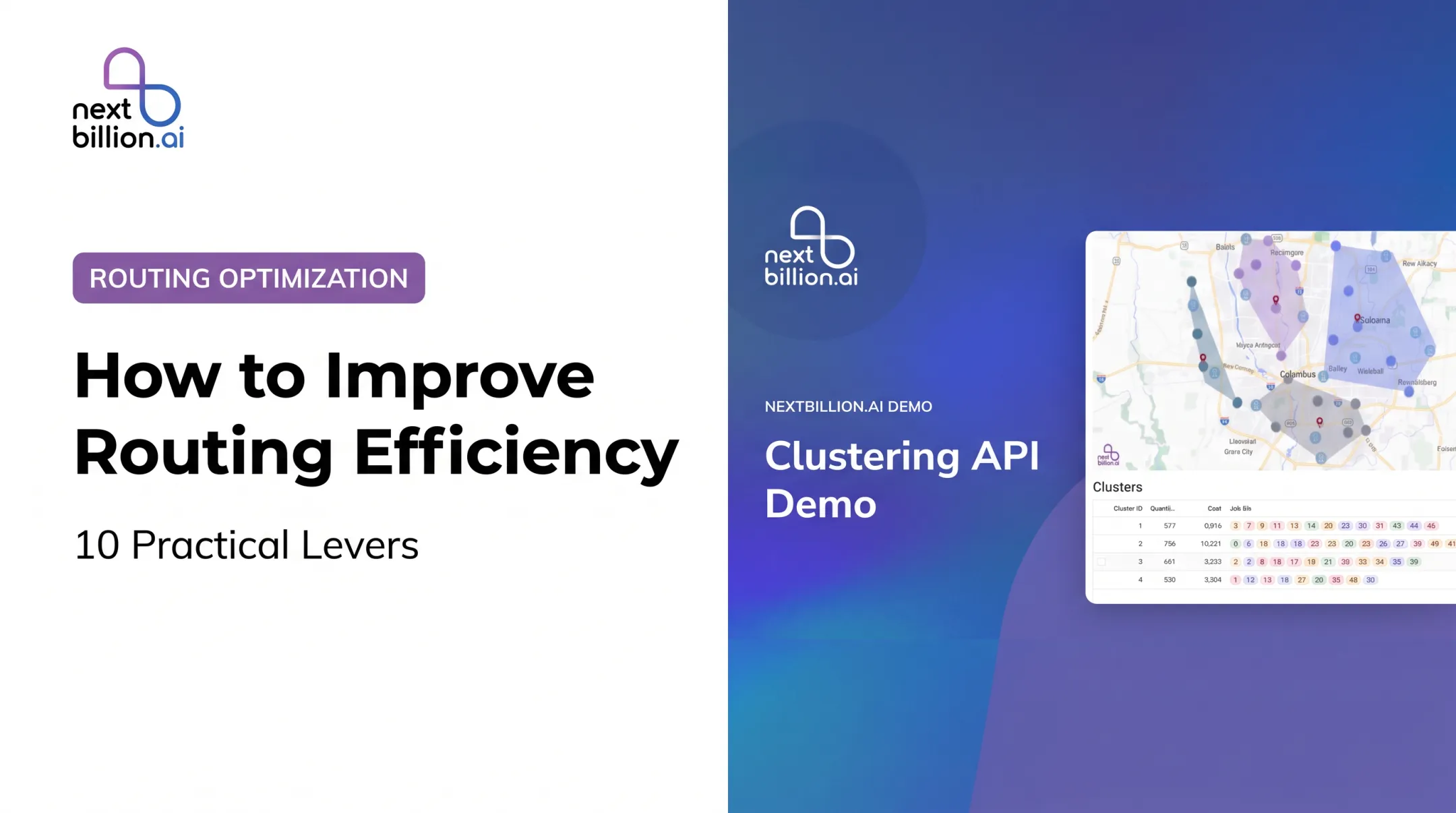
NextBillion.ai is one downstream option to evaluate. Its API-first platform supports 50+ hard and soft constraints, truck-compliant routing, custom road edits, and integrations with fleet systems such as Geotab and Samsara. Its Clustering API also balances proximity with maximum cluster size and depot boundaries.
Scale, integration, and performance
Request limits differ by vendor and by unit, so compare like with like. Google's route matrix allows 625 elements per request, while NextBillion.ai documents 4,000 locations for route optimization. Ask vendors about:

- Batch and API access, and matrix size
- Latency and data refresh frequency
- Retries, rate limits, and model versioning
- Monitoring and failure recovery
Deployment, security, and total cost
Compare cloud, hybrid, and on-premise options. Review access controls, auditability, data retention, and who owns derived cluster data. Confirm certifications such as SOC 2 and ISO 27001 and their exact product scope.
For cost, look beyond list price:
- Implementation effort, support, and maintenance
- Integration work with existing fleet systems
- Per-vehicle or per-order pricing, which can be more predictable than per-call billing
Frequently Asked Questions
What does spatial clustering mean?
It groups geographically close or spatially similar data points to reveal patterns. In logistics, that means grouping delivery stops, customers, or field jobs.
What is an example of spatial clustering?
A distributor groups customer addresses into territories, then runs constrained route optimization on each. Remote outliers may need separate treatment.
What is clustering in geography?
It is the analysis of how locations form groups based on proximity, density, shared attributes, or spatial relationships.
What are different types of clustering?
Common approaches include:
- Partition-based (K-means for fixed territories)
- Density-based (DBSCAN for irregular demand)
- Hierarchical (exploring regional groupings)
- Spatially constrained (contiguous, size-limited zones)
Which is better, DBSCAN or HDBSCAN?
It depends. HDBSCAN handles varying density better, while DBSCAN is simpler with one radius. Consider outlier handling, tuning effort, dataset size, and purpose.
Which software can you use to analyze geospatial data?
Options include GIS platforms like ArcGIS Pro and QGIS, Python libraries, spatial databases like PostGIS, and logistics clustering APIs such as NextBillion.ai. Production teams should also weigh routing constraints, integrations, scalability, and deployment model.