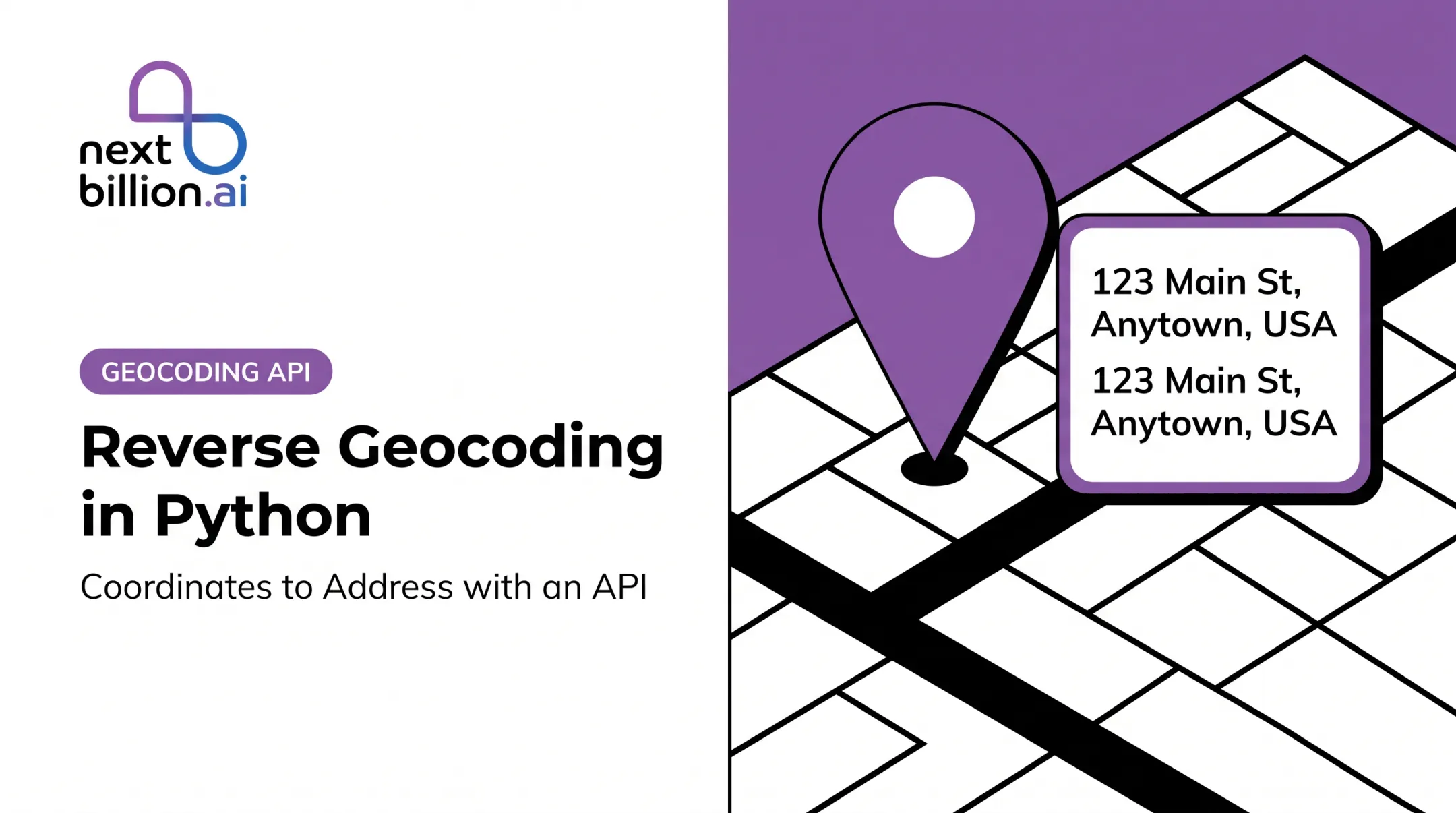
That's what forward and reverse geocoding solve. Forward geocoding turns an address into latitude and longitude. Reverse geocoding turns a coordinate pair into a readable location. This guide covers both in PHP, with a reusable client, response handling, and production safeguards.
One caveat up front: a geocoder returns candidates, not ground truth. The US Census geocoder calculates coordinates along address ranges, so even a successful match is an estimate. Coverage, address quality, quotas, and response handling decide whether your integration holds up.
Key Takeaways
- Forward geocoding maps an address to latitude/longitude; reverse geocoding maps coordinates to an address.
- Use Composer, environment-based credentials, and one reusable client.
- Handle empty, ambiguous, and failed responses explicitly.
- Plan for rate limits, caching rules, retries, privacy, and licensing before scaling.
Set Up a PHP Geocoding Integration
Choose the integration approach
You have two realistic paths:
- Direct REST calls with Guzzle or another PSR-18 client. Fewer dependencies, full control over parameters and error handling.
- Geocoder PHP with a provider adapter. Swapping providers means changing one class, not your business logic.
Pick the abstraction when you might switch providers or compare two of them. Pick direct REST when you use one provider and want every response field.
Geocoder PHP's current repository requires PHP 8.2 or higher. Providers install as separate packages, such as geocoder-php/google-maps-provider, and the library relies on PSR-18 HTTP clients.
PHP 8.2 through 8.5 are the supported branches, so target one of those. Before publishing code, confirm package names, endpoints, authentication, licensing, and usage limits in your provider's current documentation.
Install dependencies and configure credentials
composer require guzzlehttp/guzzle
For the Geocoder PHP route, install the single provider package you use rather than pulling every provider. Add the core geocoder-php/geocoder package only when you need the broader set. Composer writes exact versions to composer.lock and generates vendor/autoload.php.
Keep keys out of code, source control, client-side JavaScript, and error messages. The Twelve-Factor App approach stores deploy-specific credentials in environment configuration. For higher-risk systems, a secret manager with rotation is safer.
<?php
require __DIR__ . '/vendor/autoload.php';

$apiKey = getenv('GEOCODER_API_KEY');
if ($apiKey === false || $apiKey === '') {
    throw new RuntimeException('Missing geocoding credentials.');
}
Build a reusable geocoding client
Wrap the provider in one small class. It accepts an address or a coordinate pair, builds the request, applies a timeout, validates the HTTP response, and returns a consistent structure.

Make these configurable:
- Language
- Country bias (for US results, a US country filter)
- Region restrictions
- Result detail or limit
- Request timeout
Define the application's response contract
Return the same shape no matter which provider answers:
- Latitude and longitude as separate floats
- Formatted address and address components
- Provider name and status
- Match quality, such as granularity, score, or confidence
- The original query
Keep the raw provider response or key metadata when you need to audit, reprocess, or troubleshoot results. Check your provider's storage terms first.
Geocode an Address into Coordinates
Forward-geocoding request basics
The app sends a URL-encoded address and asks for candidate locations. A US example: 1600 Pennsylvania Ave NW, Washington, DC 20500.
Input quality changes what comes back:
- Full street address: can resolve to a rooftop or interpolated point.
- City or ZIP Code: resolves to a center point or area, not a door.
- Ambiguous place name: returns several candidates, such as "Springfield."
Adding city, state, ZIP Code, and country narrows the candidates.
PHP request and response parsing
This example uses a generic JSON endpoint. Replace the URL, parameter names, and response paths with your provider's documented fields.
<?php
use GuzzleHttp\Client;

final class GeocodingClient
{
    public function __construct(
        private Client $http,
        private string $baseUrl,
        private string $apiKey
    ) {}

    public function geocode(string $address): array
    {
        $address = trim($address);
        if ($address === '') {
            return ['status' => 'INVALID_INPUT', 'results' => []];
        }

        $response = $this->http->get($this->baseUrl . '/geocode', [
            'query'   => ['q' => $address, 'key' => $this->apiKey],
            'timeout' => 5,
        ]);

        $data = json_decode((string) $response->getBody(), true);
        $items = $data['results'] ?? [];

        $results = [];
        foreach ($items as $item) {
            $lat = $item['position']['lat'] ?? null;
            $lng = $item['position']['lng'] ?? null;
            if ($lat === null || $lng === null) {
                continue;
            }
            $results[] = [
                'lat'       => (float) $lat,
                'lng'       => (float) $lng,
                'formatted' => $item['address']['label'] ?? null,
                'query'     => $address,
            ];
        }

        return [
            'status'  => $results ? 'OK' : 'ZERO_RESULTS',
            'results' => $results,
        ];
    }
}

Watch coordinate order. Providers disagree: Esri and the Census API use x=longitude, y=latitude, and GeoJSON puts longitude first.
Many REST endpoints use lat,lng. Document the order your provider and your mapping or routing library expect.
Select and validate a candidate
Don't blindly take the first result. Each provider signals quality differently, and the scales don't compare:
- Google exposes
granularity(ROOFTOP,RANGE_INTERPOLATED,GEOMETRIC_CENTER,APPROXIMATE). - HERE gives
queryScoreandfieldScorefrom 0 to 1. - Mapbox returns
match_code.confidence(exact, high, medium, low). - Esri's
Scoreruns 1 to 100.
Accept the first result only when its quality indicator clears your threshold. Otherwise, route to review. Handle these cases explicitly:
- Zero results: return a clear status, not an exception.
- Multiple plausible results: ask the user to confirm.
- City-, ZIP-, or area-level results: flag as low precision before using them for delivery stops.
Store useful geocoding metadata
Persist the fields you will need later:
- Normalized coordinates and formatted address
- Original query text and provider name
- Timestamp and match-quality indicator
Keep the user-entered address separate from the provider-normalized one so you can display both and reprocess later.
Connect the result to application workflows
- Drop a map marker for a customer location.
- Save a delivery stop's coordinates for later routing.
- Query nearby facilities within a radius.
Geocoding supplies the point. Route optimization is a separate step.
Reverse Geocode Coordinates into an Address
Send a validated latitude and longitude to a reverse endpoint. Providers return the nearest or best-matching street, locality, administrative area, postal code, and country.
Google describes its result as an estimate, not proof the point sits at that address. In rural or imprecise cases you may get a road segment, neighborhood, or broad area. Esri's rural fallback can be a large place or postal code, and HERE falls back to an area match when no nearby address exists.
Validate coordinates before calling the API
Check before every call:
- Both values are numeric, not null.
- Latitude is between -90 and 90; longitude between -180 and 180.
- Order matches the provider's documentation.
- Values aren't swapped, over-rounded, or stale.
A swapped pair is easy to catch for longitudes beyond 90 and easy to miss for many US points, so test with real samples.
Precision needs differ by use. GPS.gov reports typical smartphone accuracy within about 4.9 m (16 ft.) under open sky, worse near buildings and trees. A delivery drop-off needs that detail; a city-level report doesn't; a privacy-preserving map display may deliberately round it.
Implement and parse the PHP response
public function reverse(float $lat, float $lng): array
{
    if ($lat < -90 || $lat > 90 || $lng < -180 || $lng > 180) {
        return ['status' => 'INVALID_INPUT'];
    }

    $response = $this->http->get($this->baseUrl . '/revgeocode', [
        'query'   => ['at' => "$lat,$lng", 'key' => $this->apiKey],
        'timeout' => 5,
    ]);

    $data = json_decode((string) $response->getBody(), true);
    $item = $data['items'][0] ?? null;
    if ($item === null) {
        return ['status' => 'ZERO_RESULTS'];
    }

    $addr = $item['address'] ?? [];
    return [
        'status'      => 'OK',
        'formatted'   => $addr['label'] ?? null,
        'street'      => $addr['street'] ?? null,
        'houseNumber' => $addr['houseNumber'] ?? null,
        'city'        => $addr['city'] ?? null,
        'state'       => $addr['state'] ?? null,
        'postalCode'  => $addr['postalCode'] ?? null,
        'countryCode' => $addr['countryCode'] ?? null,
        'lat'         => $lat,
        'lng'         => $lng,
    ];
}

The null-coalescing operator (??) keeps missing street numbers or postal codes from raising notices.
Map provider fields into one internal schema:
- Street and house number
- Locality, region, and postal code
- Country and country code
- Formatted address
Don't assume providers share names for city, county, state, neighborhood, or village. Document the mapping per provider and locale.
One trap: the Census coordinate endpoint returns census geography, not a street address. It isn't a reverse geocoder in the usual sense.
Apply reverse-geocoded results to real workflows
- Label a vehicle's position on a dispatch screen.
- Enrich a field-service event with a readable location.
- Populate a delivery record.
- Feed a human review queue.
Store the original coordinates next to the derived address. The address is an interpretation of the point and can change when the provider updates its data.
Make PHP Geocoding Reliable in Production
Control performance, limits, and cost
- Cache repeated lookups and deduplicate identical queries.
- Queue large imports instead of looping synchronously.
- Respect rate limits; use batch or concurrent requests only when the provider permits them.
Limits vary widely:
- Google v4 defaults to 25 QPS
- Mapbox defaults to 1,000 requests per minute, with up to 1,000 queries per batch
- HERE's Batch API allows 1 million records per job
- NextBillion.ai's reverse guide states 2,400 queries per minute

Caching rules matter as much as limits. Google's standard terms allow latitude/longitude caching for 30 consecutive calendar days. Mapbox temporary results can't be cached, while permanent results need a qualifying account. Read the retention terms before building a cache.
Handle failures and monitor result quality
Cover each failure class separately:
- Timeouts and network errors: retry a bounded number of times.
- 401/403: fix credentials or permissions; don't retry.
- 429: back off, honoring
Retry-Afterwhen present. - 400/422 and empty results: don't retry; log and route to review.
- Provider outages: fall back to a queue or manual path.
Use exponential backoff with jitter, as the AWS Architecture Blog explains, so retries from many workers don't synchronize.
Track success rate, empty-result rate, ambiguous-result rate, latency, provider status, and coordinate anomalies such as points far outside your service area. Set your own baselines from real traffic.
Choose a provider for the workload
Compare on:
- US address coverage, and international coverage if you'll need it
- Response detail and quality signals
- Storage, licensing, and privacy terms
- SLA and support
- Integration effort
- Pricing predictability
Published coverage, SLAs, and match scores answer different questions. No comparable head-to-head US accuracy ranking exists, so test candidates with your own addresses.
For logistics, fleet, and field-service teams, NextBillion.ai offers Geocoding and Reverse Geocoding APIs inside an API-first location platform, with per-task, per-asset, or per-call pricing options. Its general terms limit caching of service content to 30 days. Verify current geocoding capabilities, limits, and documentation before committing.
Conclusion
The sequence is straightforward:
- Choose a provider and secure credentials
- Build one reusable PHP client
- Implement forward and reverse requests
- Normalize responses
- Treat uncertainty as a normal outcome
Before going to production, run a representative set of US addresses and real GPS samples through your client. Measure match quality, empty and ambiguous rates, and cost. Expand to batch workloads only after those numbers look right.
Frequently Asked Questions
What are geocoding and reverse geocoding?
Forward geocoding converts an address into coordinates, such as placing a customer's address on a map. Reverse geocoding converts coordinates into a readable address, such as labeling a GPS ping from a vehicle.
Is there a Google API for reverse geocoding?
Yes. Google Maps Platform supports reverse geocoding through its Geocoding API. It requires billing and an API key or OAuth token, and has quota, caching, and attribution rules, so check the current terms.
How do I geocode an address in PHP?
Install an HTTP client with Composer, load the API key from an environment variable, and send an authenticated request with a URL-encoded address. Validate the response and read latitude and longitude from the provider's documented fields.
How do I reverse geocode latitude and longitude in PHP?
Validate that both values are numeric and in range, then call the provider's reverse endpoint with the documented order. Check for a usable result and read formatted and structured fields defensively.
How should I handle failed or ambiguous geocoding results?
Validate input, check provider status, and retry only transient errors with bounded backoff. Log failures, cache successes where terms allow, and send multiple or low-quality matches to manual review or user confirmation.